Google Messages now sends suspicious chats to Gemini for a second opinion
Enhanced protection is an opt-in layer that runs unknown senders past cloud Gemini, on top of the on-device scam detection that already ships with Messages.
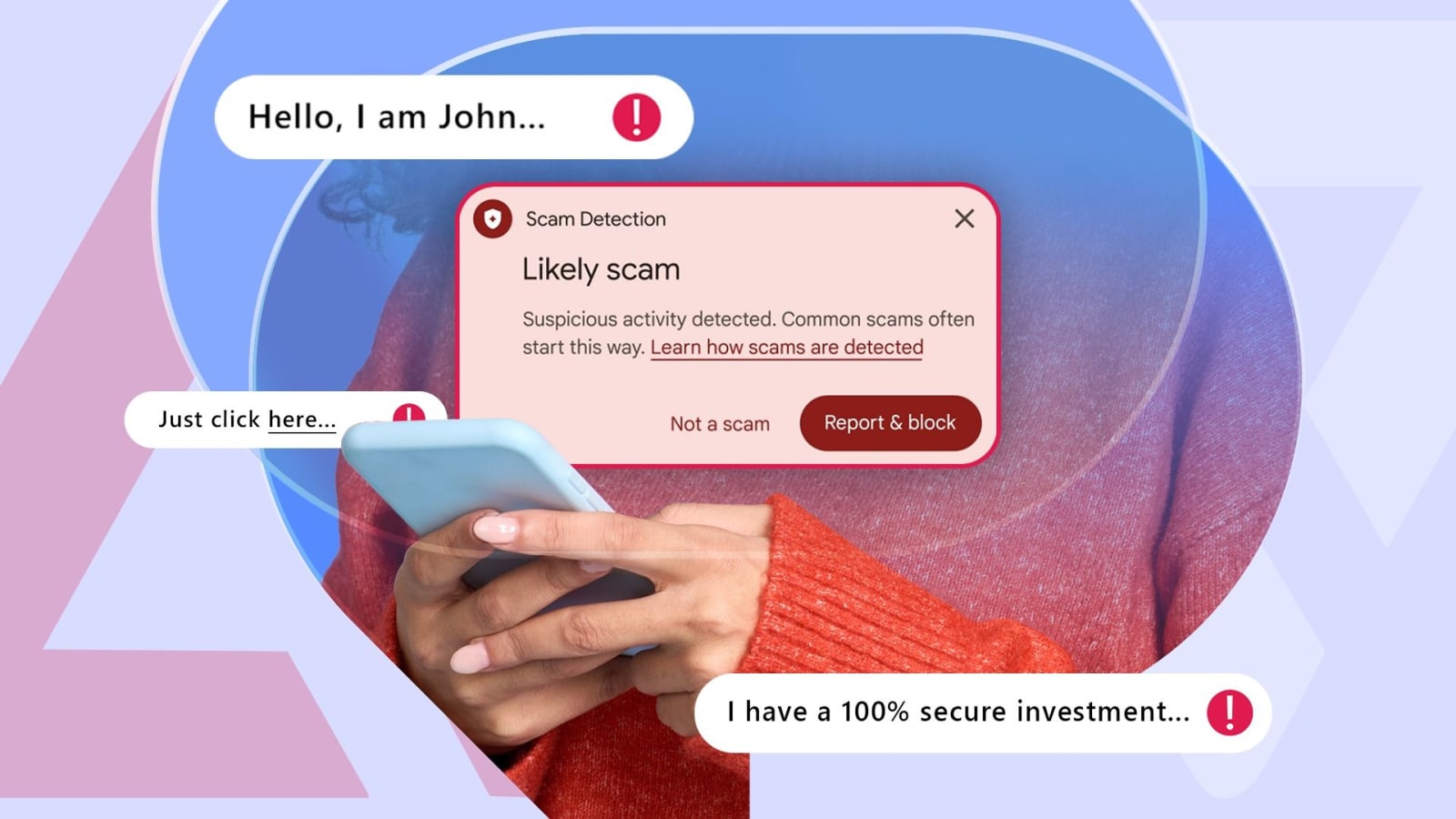
Google Messages already screens suspicious traffic, but the check it ships with has a ceiling. Standard scam detection is on by default and only covers chats with people who are not in your contacts, and it runs from small on-device models. That is fast and private, and it is also why it struggles with the slow version of fraud: the kind that starts with a friendly message, a fake job offer or a "package update" and only turns into a request for money days later.
Enhanced protection is the answer Google has put behind an opt-in switch. Turn it on and Messages can pass a conversation from an unknown number to Google's cloud Gemini models, which have more context to work with than a handset can hold. The company says the feature already flags more than 5 million suspected scam calls and texts every month across Messages and the Phone app.
Why this matters more than it sounds
Google's own survey work with YouGov across the US, Canada and Australia found 40% of smartphone users are very or extremely concerned about mobile fraud. That number tracks with what the scam economy actually looks like now: not a single obvious "you have won" message, but a conversation that builds trust before it asks for anything.
The trade-off is the obvious one. On-device detection sends nothing anywhere. The enhanced layer does, which is why it is optional rather than the default and why the setting explains itself before you enable it.
What it means for APK users
If you install modded apps outside the Play Store, messaging fraud is not your main risk — but the same logic applies to the sites and APK mirrors you use. A modified build from an unattributed source and a slow-burn scam message have the same shape: nothing obviously wrong at first glance, and the damage happens later. Our own rule is boring and effective: check that the download link's file size and version match the listing, and treat any build that asks for permissions the game does not need as compromised.
How to turn it on
Open Google Messages, go to Settings, then the spam protection section, and enable Enhanced protection. It applies to conversations with unknown senders only; contacts are never scanned this way. Google has not said which countries get it first, so if the toggle is missing, it has not reached your account yet.
Source: Android Police — Google Messages has a new scam protection feature
More news

Seventy draft games are now live — every listing completed before publishing
Seventy games left the review queue today. All 70 download links were checked, 60 got a verified Play Store identity, and each listing came with its own FAQ and install steps.

Five AI agents you can actually run on Android in 2026 — and who each one suits
Agentic AI has moved past chatbots, but the useful ones differ sharply in how much of your phone they can touch. Here is the honest split.
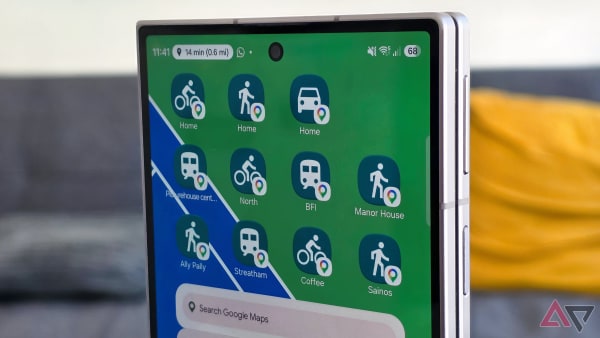
The most useful Android feature nobody uses: shortcuts instead of apps
Long-press an icon, drag the action you actually wanted onto the home screen, and stop opening an app just to reach one button.